

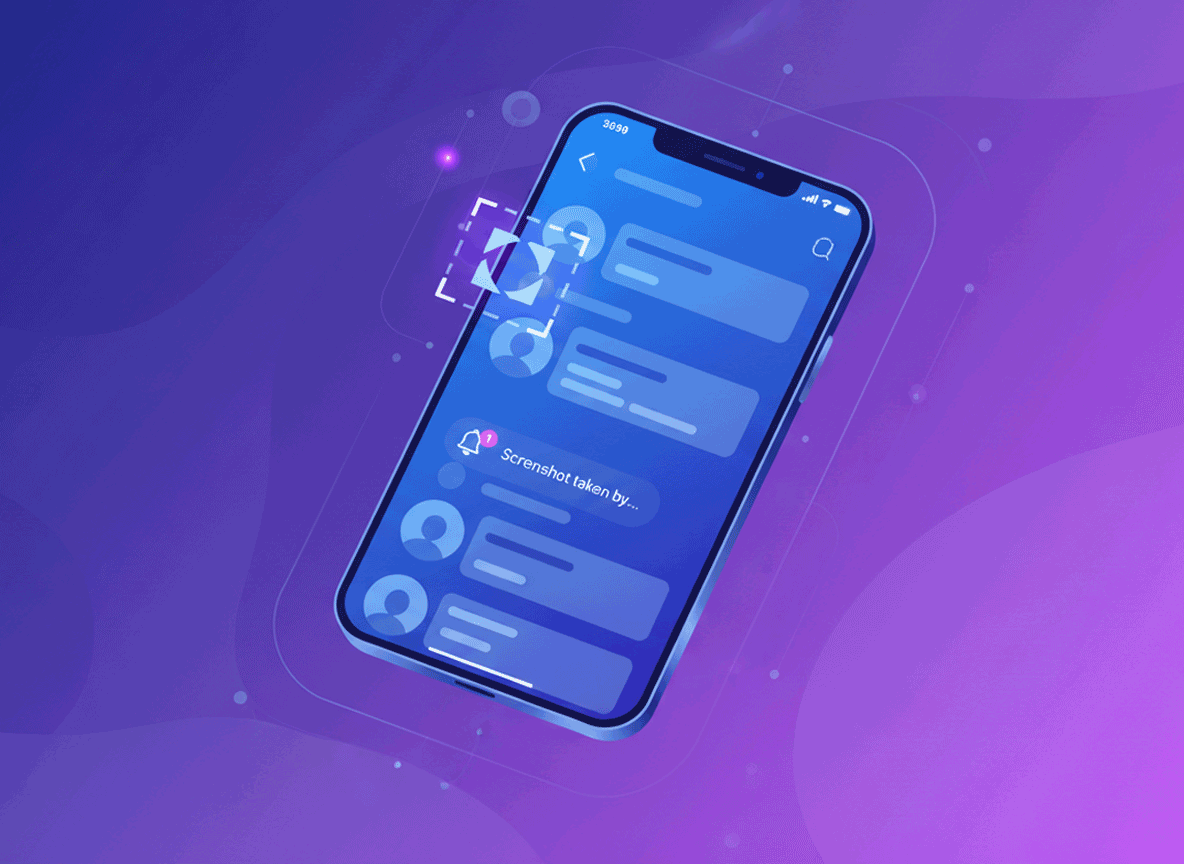
Introduction (Instagram Screenshot Notification)
One of the most common questions about Instagram is whether the app notifies users when someone takes a screenshot. The answer depends on what you are screenshotting. Instagram does not notify for most things, but there are specific situations where it does.
In this guide, we cover exactly when Instagram sends a screenshot notification and when it does not. You will learn about the Safe Zone where you can screenshot freely, the Danger Zone where they will know, and OSINT workarounds to capture evidence secretly. We also include a warning on sextortion and a Yes/No Cheat Sheet for quick reference.
Whether you are a casual user or an investigator, this guide has you covered.
Also read: How to Find Hidden Data in PDFs & Word Docs
The Safe Zone (Screenshot Freely) (Instagram Screenshot Notification)
In most areas of Instagram, you can take screenshots without the other person knowing. Instagram does not send notifications for these actions.
What you can screenshot safely:
- Feed posts and photos
- Profile pictures and bios
- Explore page content
- Reels (regular viewing)
- Instagram TV videos
- Public stories (with some caveats)
- Comments on posts
- Hashtag pages
- Search results
Why these are safe:
Instagram has never implemented screenshot detection for these areas. The app would need to constantly monitor your screen to detect screenshots, which raises serious privacy concerns. Apple and Google also restrict apps from detecting screenshots without user permission.
Important note for stories:
Instagram used to notify users when someone screenshot their story. That feature was removed in 2018. You can now screenshot stories without the poster knowing. This applies to regular stories, not vanish mode messages.
The bottom line: For everyday browsing, feed posts, profiles, and stories, you are in the clear. Screenshot away.
The Danger Zone (They WILL Know) (Instagram Screenshot Notification)
There are two specific areas where Instagram absolutely notifies the other person when you take a screenshot.
1. Direct messages in vanish mode
When you open a DM thread in vanish mode, messages disappear after they are viewed. If you take a screenshot of a vanish mode message, Instagram sends a notification to the other person.
How vanish mode works:
- Swipe up in a DM thread to activate
- Messages disappear after viewing
- Both parties must have vanish mode enabled
- Screenshots trigger an instant notification
2. Ephemeral content in certain regions
Instagram has tested screenshot notifications for specific content types in some regions. As of 2026, the only confirmed notification trigger is vanish mode DMs.
What does NOT trigger a notification:
- Regular DMs (non-vanish mode)
- Stories (since 2018)
- Posts, profiles, Reels
- Live videos
- Stories that were posted 24+ hours ago
The bottom line: Unless you are in vanish mode DMs, you can screenshot without worry.
Also read: How to Find Hidden Data in PDFs & Word Docs
The OSINT Workarounds (How to Capture Evidence Secretly) (Instagram Screenshot Notification)
For investigators, journalists, and security researchers, there are legitimate reasons to capture Instagram content without triggering notifications. These methods work within the boundaries of Instagram’s current policies.
Method 1: Screen recording instead of screenshotting
Screen recording does not trigger Instagram notifications in most cases. Instagram cannot detect screen recording because it is a system-level function.
How to do it:
- Open the Instagram content you want to capture
- Start screen recording on your device
- Navigate through the content
- Stop recording and extract the frames you need
Method 2: Use a secondary device
Point another phone or camera at the screen. Take a photo of the Instagram content. This bypasses all detection methods.
Method 3: Use third-party tools
Some tools allow you to download Instagram content without triggering notifications. These tools use Instagram’s API or web interface to capture content.
Method 4: Use Instagram’s web version
Open Instagram in a desktop browser. Use browser developer tools or extensions to download content. The web version has less tracking capability.
Method 5: Use airplane mode
This is a risky method but works in some cases.
- Open the Instagram content while online
- Switch to airplane mode
- Take your screenshot
- Close the app completely
- Turn off airplane mode
Instagram cannot send the notification if you are offline when the screenshot is taken.
Important note: These methods are for legitimate purposes only. Using them to harass or exploit others is illegal.
A Warning on Sextortion (Instagram Screenshot Notification)
Sextortion is a growing problem on Instagram and other platforms. Scammers trick users into sending intimate images or videos, then threaten to share them unless the victim pays.
How sextortion works on Instagram:
- Scammers create fake profiles
- They engage in romantic conversations
- They request explicit content
- They screenshot or record the content
- They demand payment to keep it private
How to protect yourself:
- Never send intimate content to strangers
- Enable two-factor authentication
- Report suspicious accounts immediately
- Block and ignore sextortion attempts
- Contact law enforcement if you are a victim
What Instagram does:
Instagram has implemented screenshot notifications specifically for vanish mode DMs to combat sextortion. This gives victims a warning when their content is being captured.
If you are investigating sextortion:
Use the OSINT workarounds to capture evidence without alerting the scammer. Document everything. Report to local authorities and Instagram.
The Yes/No Cheat Sheet (Instagram Screenshot Notification)
Use this quick reference to know when Instagram notifies.
Instagram will NOT notify you for:
- Feed post screenshots
- Profile picture screenshots
- Bio screenshots
- Regular DM screenshots
- Story screenshots (since 2018)
- Reel screenshots
- IGTV screenshots
- Explore page screenshots
- Comment screenshots
Instagram WILL notify you for:
- Vanish mode DM screenshots
- Screen recording in vanish mode (in some cases)
Not confirmed:
- Future updates may change this
- Regional tests may vary
- Check Instagram’s official policy for updates
Common Mistakes When Screenshotting on Instagram (Instagram Screenshot Notification)
Many people make these mistakes:
- Assuming all content is monitored: Most screenshots are not detected. Do not panic.
- Using vanish mode without knowing the rules: Vanish mode screenshots are detected. Be careful.
- Believing outdated information: Screenshot notifications for stories were removed in 2018. Old articles may say otherwise.
- Not testing before relying: If you are unsure, test with a friend’s account first.
- Using third-party apps that claim to detect screenshots: Most are scams or malware.
Pro Tips from Investigators (Instagram Screenshot Notification)
Experienced investigators use these tactics:
- Use screen recording for evidence: It is less likely to trigger notifications than screenshots.
- Document everything: Take screenshots of the entire conversation, not just the incriminating part.
- Use multiple devices: Capture content from different angles and perspectives.
- Test with a dummy account: Create a secondary account to test screenshot detection before investigating.
- Always verify the source: Screenshots can be faked. Verify the content independently.
Expert Insights on Instagram Privacy (Instagram Screenshot Notification)
Instagram’s screenshot policy is designed to balance user privacy with platform functionality. The company has chosen to only notify for vanish mode DMs because that is where the most sensitive content is shared.
Why Instagram does not notify for other content:
- Technical limitations: Detecting screenshots requires constant screen monitoring
- Privacy concerns: Apple and Google restrict screenshot detection
- User experience: Constant notifications would be annoying
- Legal reasons: Screenshot detection may violate privacy laws in some countries
What the future may hold:
Instagram may expand screenshot notifications in the future. The company has tested various features. Stay updated by checking Instagram’s official blog or privacy policy.
The bottom line: For now, you are safe screenshotting most content. Only vanish mode DMs trigger notifications.
Real-World Applications on Instagram Screenshot Notification
Knowing when Instagram notifies screenshots has practical uses:
- Journalists investigating online threats
- Security researchers tracking cybercriminals
- Victims of sextortion gathering evidence
- Parents monitoring their children’s online activity
- Employers checking employee conduct on social media
Each scenario benefits from understanding Instagram’s screenshot policy.
Actionable Takeaways on Instagram Screenshot Notification
- Screenshot feed posts, profiles, and stories freely
- Avoid screenshotting vanish mode DMs
- Use screen recording for evidence gathering
- Test with a friend’s account before relying on any method
- Enable two-factor authentication for your account
- Report sextortion attempts immediately
- Use OSINT workarounds for legitimate investigations
Summary of Instagram Screenshot Notification
Instagram notifies users for screenshots in vanish mode DMs only. All other content can be screenshot without detection. Stories have not triggered notifications since 2018. Use the Yes/No Cheat Sheet for quick reference.
For investigators, OSINT workarounds exist to capture evidence secretly. Always use these methods for legitimate purposes.
Conclusion of Instagram Screenshot Notification
You now know exactly when Instagram does and does not notify users for screenshots. The platform only alerts users for vanish mode DMs. Everything else is safe to screenshot.
Remember to use this information responsibly. The OSINT workarounds are for legitimate investigations only.
For advanced resources and tools to support your work, visit the vendor pages linked below.
For those looking to take their OSINT work to the next level, having access to reliable tools and resources makes all the difference. Visit cvvdump.com or Worlddumps.com to get legit dumps with pin and carding materials that complement your archiving toolkit.
Also read: How to View Deleted Websites & Tweets
Does Instagram notify when you screenshot a post?
No, Instagram does not notify for feed post screenshots.
Does Instagram notify when you screenshot a story?
No, that feature was removed in 2018. You can screenshot stories freely.
Does Instagram notify when you screenshot a DM?
Only if the DM is in vanish mode. Regular DMs do not trigger notifications.
What is vanish mode on Instagram?
Vanish mode is a feature in DMs where messages disappear after viewing. Screenshots are detected in this mode.
How do I know if someone screenshot my Instagram DM?
You will only be notified if the DM was sent in vanish mode. Otherwise, you will not know.
Does Instagram notify for screen recordings?
Screen recording is not detected in most cases. Vanish mode may detect it in some versions.
Can I screenshot Instagram stories without the person knowing?
Yes, since 2018, story screenshots do not trigger notifications.
Does Instagram notify for Reel screenshots?
No, Reels are treated like feed posts. No notification.
Does Instagram notify for profile picture screenshots?
No, profile picture screenshots are not detected.
What is Instagram’s screenshot policy in 2026?
Vanish mode DMs are the only area where screenshots trigger notifications.
Does Instagram notify users when you screenshot a live video?
No, live videos do not trigger screenshot notifications.
Can I use third-party apps to screenshot Instagram without detection?
Some apps claim to do this, but they may violate Instagram’s terms of service or be malware.
Does Instagram notify for screenshots taken on desktop?
No, the web version does not have screenshot detection.
How do I capture Instagram evidence secretly?
Use screen recording, a secondary device, or the web version.
What is sextortion on Instagram?
Sextortion is when someone threatens to share intimate images unless you pay them. Instagram has vanish mode notifications to help combat this.
How do I report sextortion on Instagram?
Block the account, report it to Instagram, and contact local law enforcement.
Can I screenshot a DM without the other person knowing?
Yes, as long as it is not in vanish mode.
Does Instagram notify for screenshots of comments?
No, comments are not monitored for screenshots.
How do I test if Instagram notifies for screenshots?
Use a dummy account and take a screenshot. Check if the other account receives a notification.
What is the Yes/No Cheat Sheet for Instagram screenshots?
A quick reference showing what triggers notifications and what does not.
Does Instagram notify for screenshots of explore page content?
No, explore page content is safe to screenshot.
Can I screenshot Instagram content without an account?
Yes, but you are limited to public content visible in a browser.
Does Instagram notify for screenshots of IGTV videos?
No, IGTV videos do not trigger notifications.
How do I screenshot Instagram without getting caught?
Use the Safe Zone methods. Avoid vanish mode DMs.
What is the most common Instagram screenshot myth?
That Instagram notifies for story screenshots. It does not.
Does Instagram notify for screenshots of ads?
No, ads are treated like feed posts.
How do I screenshot a vanish mode DM without detection?
You cannot. Instagram notifies the other person immediately.
What happens if I screenshot a vanish mode DM?
The other person receives a notification that you took a screenshot.
Can I screenshot Instagram without the app knowing?
Yes, for most content. Only vanish mode DMs are detected.
Does Instagram notify for screenshots of saved posts?
No, saved posts are not monitored.
How do I check Instagram’s screenshot policy?
Visit Instagram’s Help Center or Privacy Policy page.
Does Instagram notify for screenshots of archived posts?
No, archived posts are not monitored.
Can I screenshot Instagram content from a browser?
Yes, the web version has no screenshot detection.
What is the difference between screenshot and screen recording on Instagram?
Screenshot detection only applies to vanish mode DMs. Screen recording is not detected in most cases.
Does Instagram notify for screenshots of hashtag pages?
No, hashtag pages are safe.
How do I protect myself from Instagram screenshot notifications?
Do not use vanish mode unless you trust the other person.
Can Instagram detect screenshots taken on iPhone?
Instagram cannot detect screenshots due to Apple’s privacy restrictions.
Can Instagram detect screenshots taken on Android?
Android also restricts screenshot detection. Instagram can only detect screenshots in vanish mode DMs.
Does Instagram notify for screenshots of Instagram TV?
No, IGTV is not monitored for screenshots.
What is the 2026 Instagram screenshot update?
As of 2026, vanish mode DMs remain the only area where screenshots trigger notifications.
Does Instagram notify for screenshots of Reels?
No, Reels are safe to screenshot.
How do I screenshot Instagram content without the person knowing?
Use the Safe Zone methods. Avoid vanish mode DMs.
Can I screenshot Instagram stories in 2026?
Yes, story screenshots do not trigger notifications.
Does Instagram notify for screenshots of profile bios?
No, bios are safe.
How do I capture Instagram evidence for legal purposes?
Use screen recording or a secondary device. Document everything.
Does Instagram notify for screenshots of live streams?
No, live streams are not monitored.
What is Instagram’s policy on screenshots in 2026?
Vanish mode DMs are the only area with screenshot notifications.
Can I screenshot Instagram DMs without the other person knowing?
Yes, if the DM is not in vanish mode.
Does Instagram notify for screenshots of comments?
No, comments are safe.
How do I know if Instagram has updated their screenshot policy?
Check Instagram’s Help Center or official blog for updates.
Does Instagram notify for screenshots of the explore page?
No, explore page is safe.
Can I screenshot Instagram content using a third-party app?
Some apps exist, but they may violate Instagram’s terms of service.
What is the best way to screenshot Instagram content secretly?
Use screen recording or a secondary device.
Does Instagram notify for screenshots of Instagram Shop?
No, shop content is safe.
How do I screenshot Instagram without triggering a notification?
Avoid vanish mode DMs. Everything else is safe.
Does Instagram notify for screenshots of guides?
No, guides are safe.
What is the Instagram screenshot notification icon?
A small camera icon appears in the DM thread when a vanish mode screenshot is detected.
Can I disable Instagram screenshot notifications?
No, this is not a user-controlled setting.
Does Instagram notify for screenshots of advertising content?
No, ads are safe.
How do I report a sextortion attempt on Instagram?
Block the account, report to Instagram, and contact local law enforcement.
Does Instagram notify for screenshots of collections?
No, collections are safe.
What is the future of Instagram screenshot detection?
Instagram may expand notifications in the future. Stay updated.
Does Instagram notify for screenshots of location tags?
No, location tags are safe.
Can I screenshot Instagram content without an account?
Yes, but only public content visible in a browser.
Does Instagram notify for screenshots of music stickers?
No, music stickers are safe.
How do I test Instagram screenshot notifications?
Use a dummy account and take a screenshot. Check if the other account receives a notification.
Does Instagram notify for screenshots of question stickers?
No, question stickers are safe.
What is the most important thing to know about Instagram screenshots?
Vanish mode DMs are the only area where screenshots trigger notifications.
